Are you a restaurateur or managing an establishment?
Start using Ziblo right away, the free restaurant software designed to help you manage reservations for your restaurant, pub, or establishment in a simple and organized way.
With Ziblo, you can create your venue’s calendar, manage table availability, and receive online reservations, with no activation fees.
To begin using the software and configure your reservation calendar, access the platform via this link:
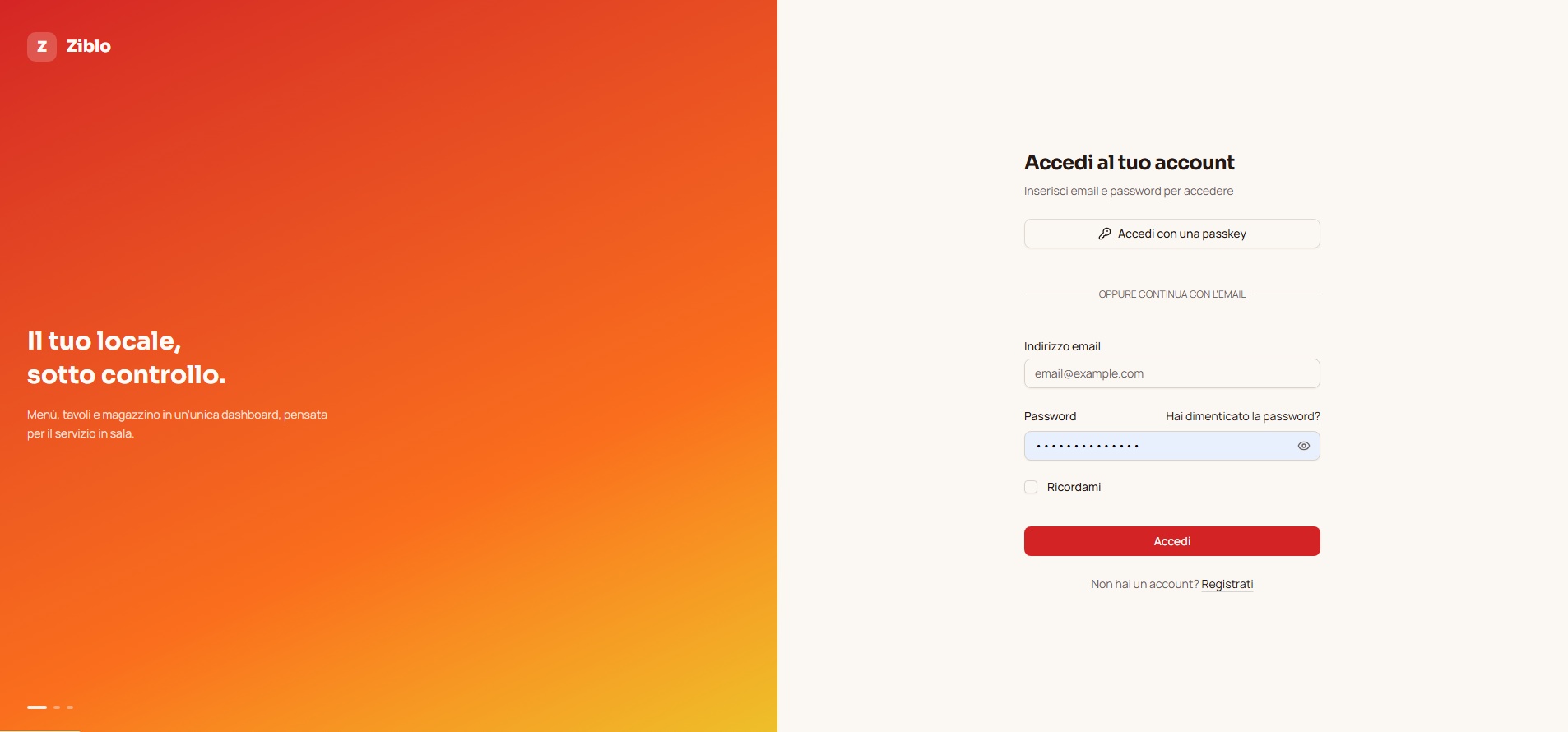
If you have already registered, enter the login credentials used during account creation, i.e., email address and password.
If you don’t have a Ziblo account yet, you can register for free by clicking on the link “Register” found below the “Sign In” button.
Not yet registered with Ziblo? Promote your venue for free
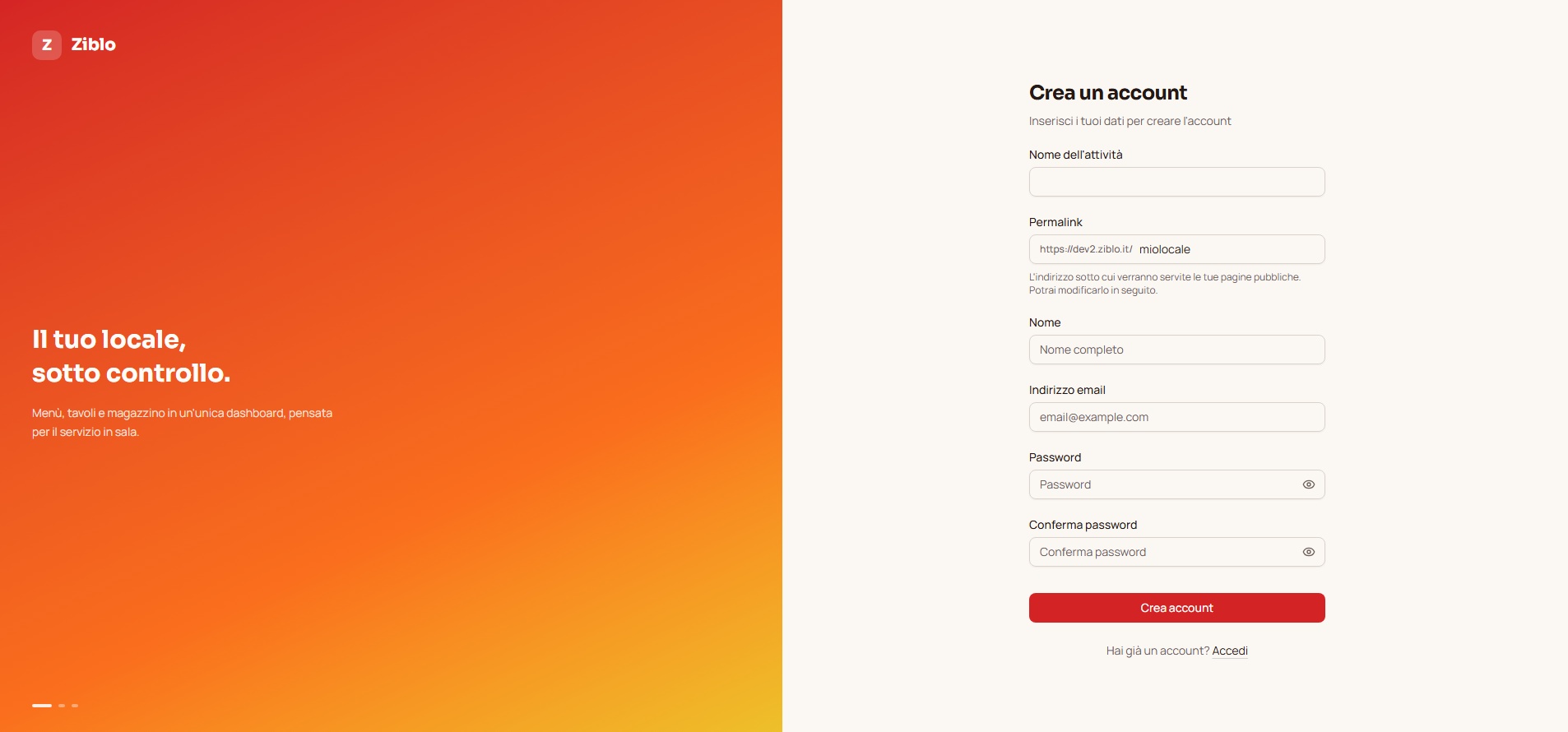
If you haven’t registered yet, you can register for free with Ziblo and start using the software to manage reservations for your restaurant or venue.
After clicking on “Register”, the registration screen will appear. Enter your details and follow the guided procedure to configure your venue.
Once registration is complete, you can start creating your calendar, set availability, and receive online reservations. Ziblo also allows you to increase visibility for your venue and promote it for free through the platform.